Claude Desktop & Web
Connect Claude on desktop or the web to your workspace through MCP so it can answer questions about your work, draft reports, surface blockers, and help you prepare for standup. For coding in the terminal or running a local agent, see Claude Code.
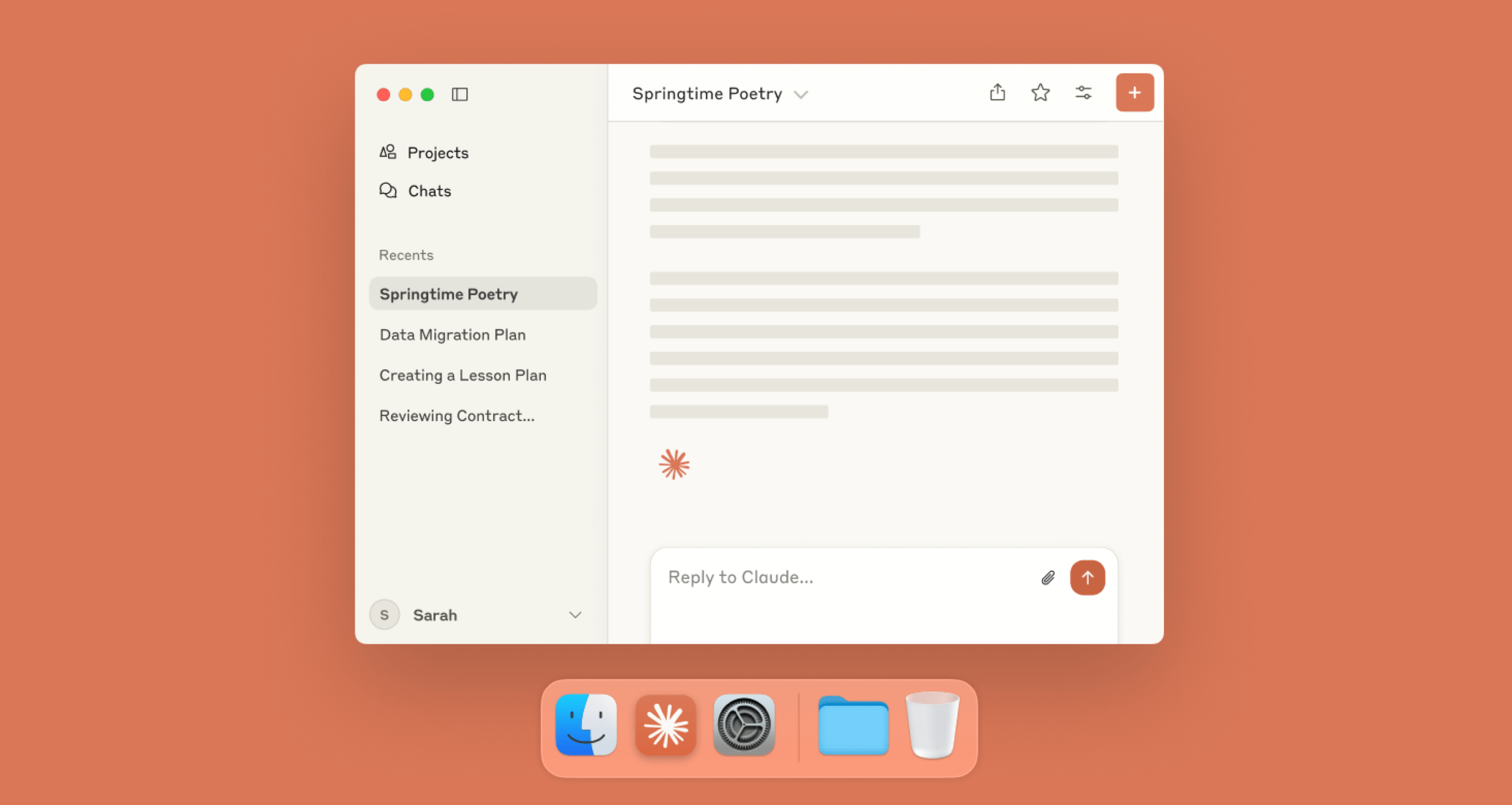
Connect Claude
Open Settings and go to Connectors. Add a custom connector and paste the MCP URL below.
https://mcp.onehorizon.ai/mcpAfter saving, a browser window opens so you can sign in and authorize the connection. When sign-in succeeds, Claude shows the connector as connected.
Custom connectors are available on eligible plans. Organization owners can enable or restrict connectors and individual tools for their team. If you do not see the option, contact your admin.
What you can ask Claude
“give me a team recap for last week”
Claude compiles a concise report of what each team shipped and what’s still open.
“what's on my plate today”
Claude pulls your assigned issues, calendar context, and todos from tools like Jira, Google Calendar, and Linear so you see today's work in one place.
“what did Jane work on last week”
Claude summarizes Jane’s completed items and related PRs/issues.
“what’s blocking the payments team”
Claude lists current blockers and where they were last discussed.
Security and permissions
The connector acts on your behalf. Data access follows your roles, workspace membership, and granted scopes.