Bring assigned work into Cascade
Find the issues and todos that matter today without rewriting them in the editor
Connect Cascade to assigned issues, current priorities, and recent outcomes so coding conversations begin with the right team context.
AI assistants and coding agents
Find the issues and todos that matter today without rewriting them in the editor
Use the goal and acceptance notes from the work item while Cascade reasons about the implementation
Add a completed-work summary after the session so progress does not disappear into chat history
Cascade gets the current work from One Horizon, and the team gets a record of the result.
Pull assigned issues and todos from One Horizon into Cascade before choosing the next change.
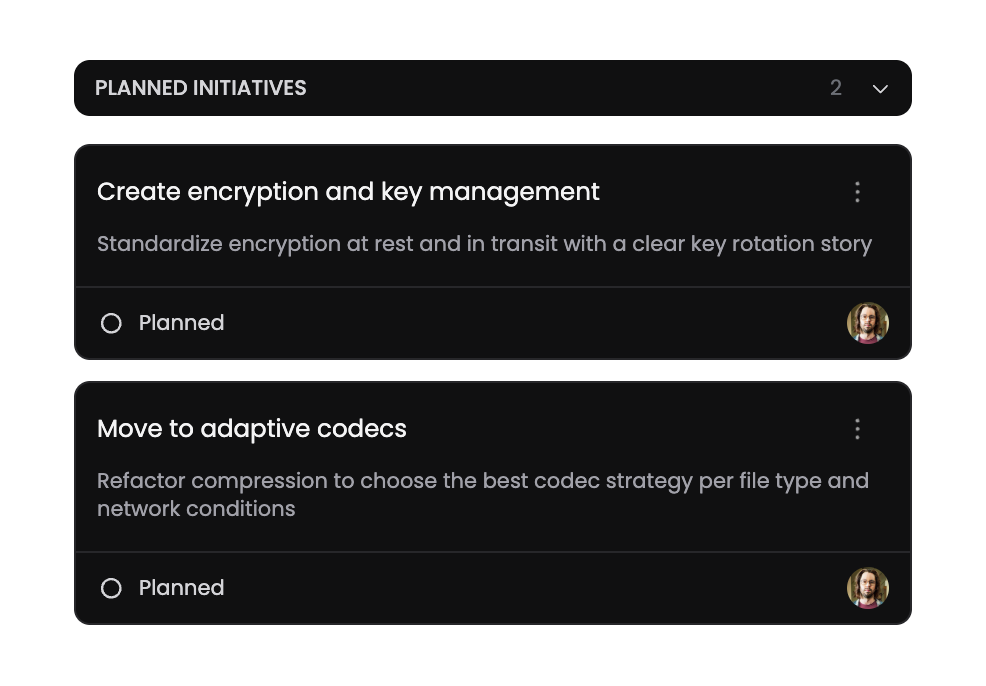
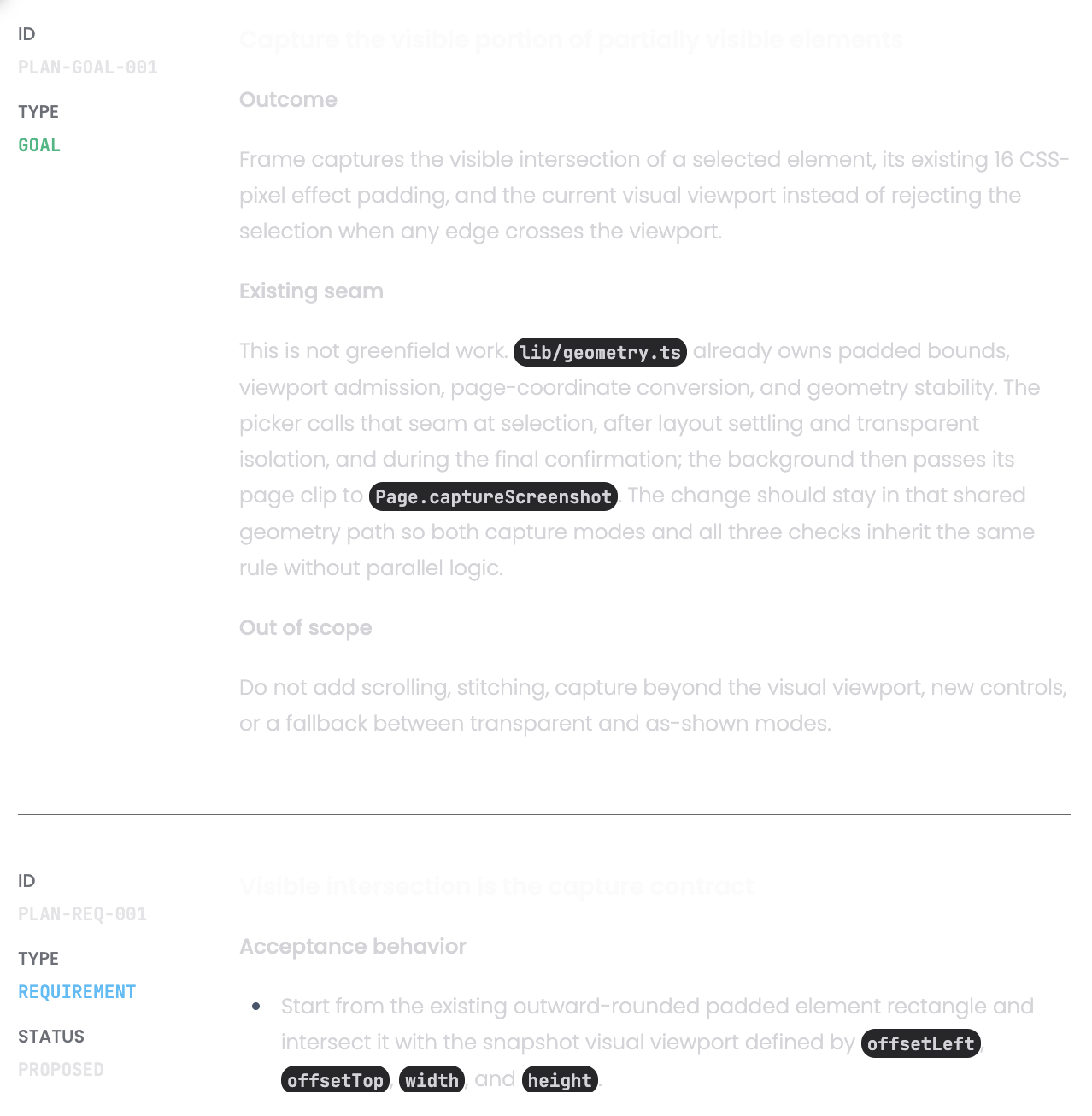
Use the item’s description, links, and acceptance notes to shape the coding response.
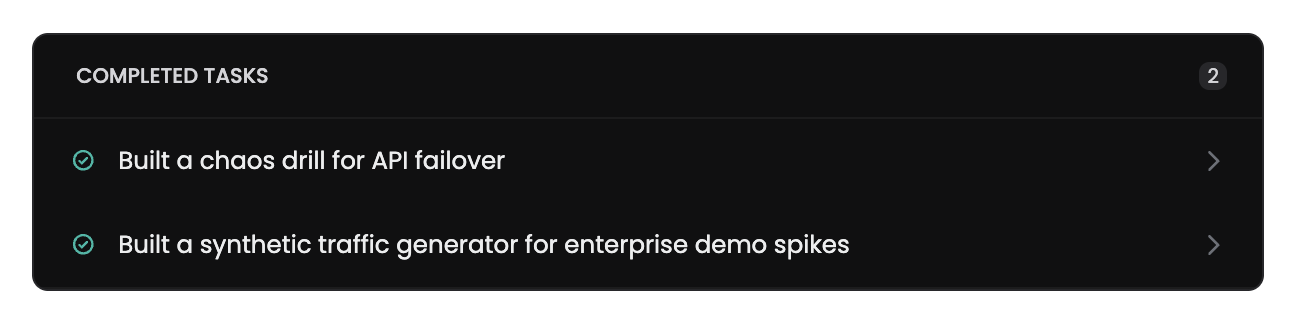
Summarize the output and add a completed task that can feed recaps and progress.
Keep Windsurf as the daily editor while One Horizon provides shared priorities and delivery memory.
Review assigned work in Cascade before starting a new coding session
Bring the approved scope into the chat while Cascade works across the codebase
Return a concise outcome to One Horizon after the change is complete