Prepare standups in direct messages
Give each participant their current work before the meeting and let them review the update in Slack
Send standup prep, reminders, summaries, work cards, and answers from One Horizon to the channels and direct messages your team already reads.
Communication
Give each participant their current work before the meeting and let them review the update in Slack
Post reminders and standup summaries to the channel connected to the team
Expand One Horizon links into work cards and start a Slack thread from the item that needs discussion
The conversation stays in Slack while ownership, status, blockers, and the product trail remain in One Horizon.
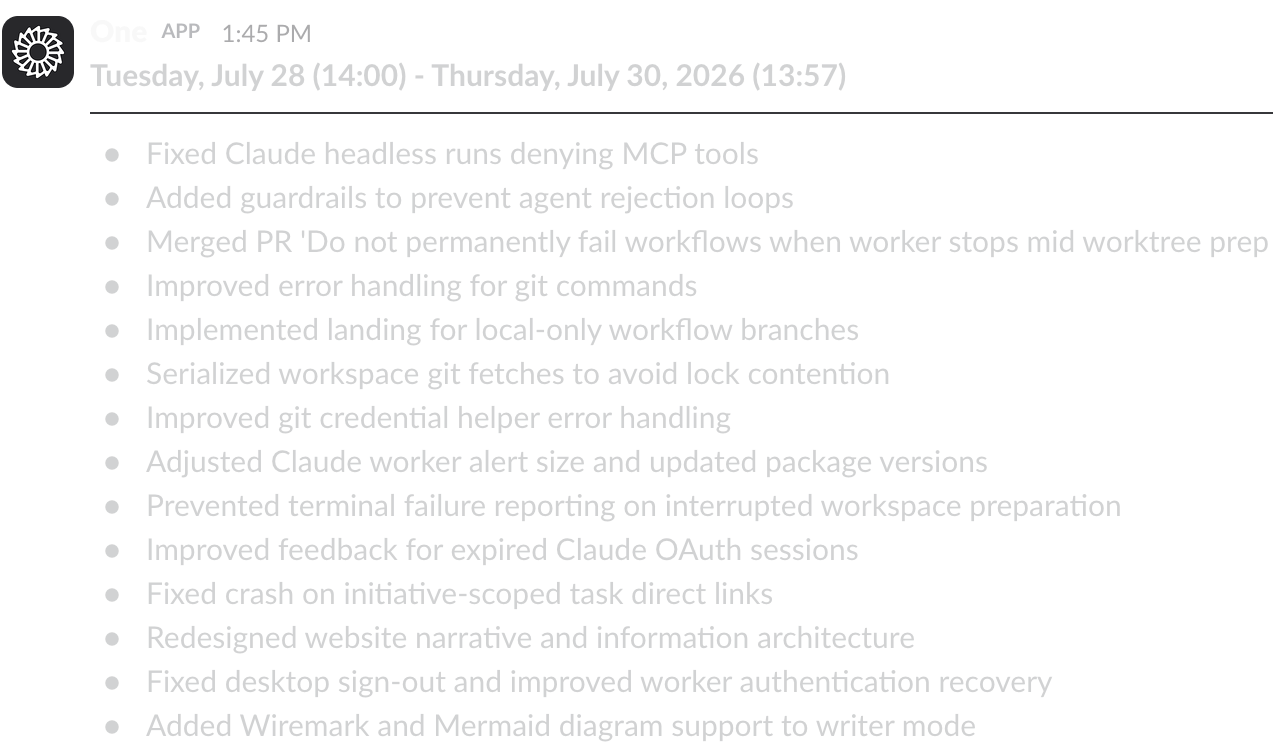
Send each person their planned and completed work before standup, then post the reviewed team summary.
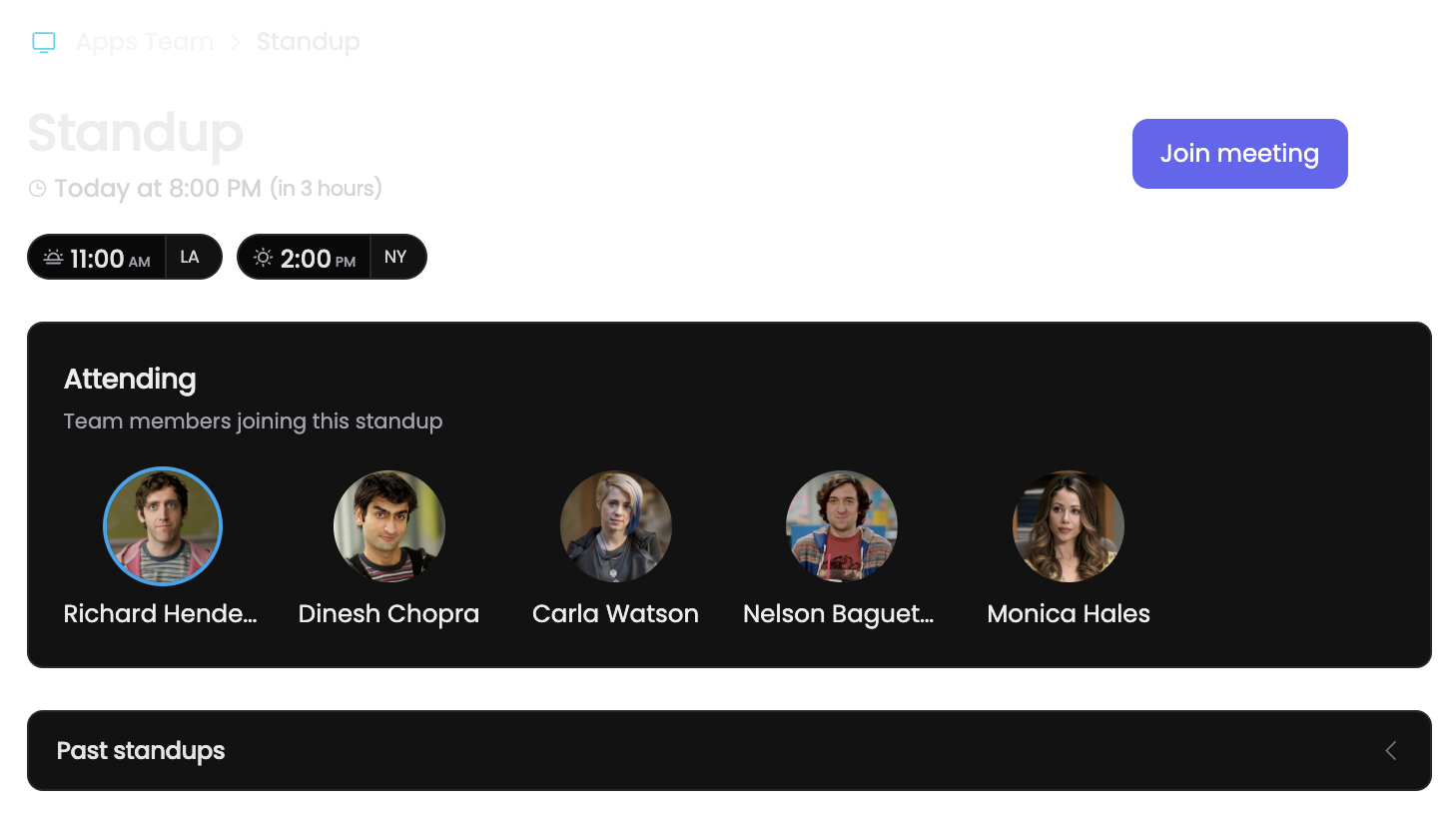
Use direct messages or mentions to ask what changed, what is planned, or when the next standup starts.
Start a Slack conversation from a work item and keep the thread connected to the source.

Use the channel for conversation while One Horizon supplies the current work and preserves the decision trail.
Collect personal updates in direct messages and deliver the team summary to the right channel
Share a task preview, discuss the issue in Slack, and keep the source work linked
Ask the bot for recent progress or current blockers without opening another dashboard