Plan from current Jira work
See active assigned issues in daily planning, boards, triage, and standup preparation
Bring Jira issues, sprints, priorities, comments, and ownership into One Horizon so planning, standups, agent work, and stakeholder updates use the same source.
Task management
See active assigned issues in daily planning, boards, triage, and standup preparation
Keep issue execution in Jira while One Horizon connects it to initiatives, recaps, and delivery outcomes
Update title, description, status, priority, and assignee while the issue remains synchronized with Jira
The tracker stays intact while One Horizon connects each issue to planning, code, agents, progress, and reporting.
Bring in-progress, in-review, and active-sprint issues with recent activity into the work that needs attention now.
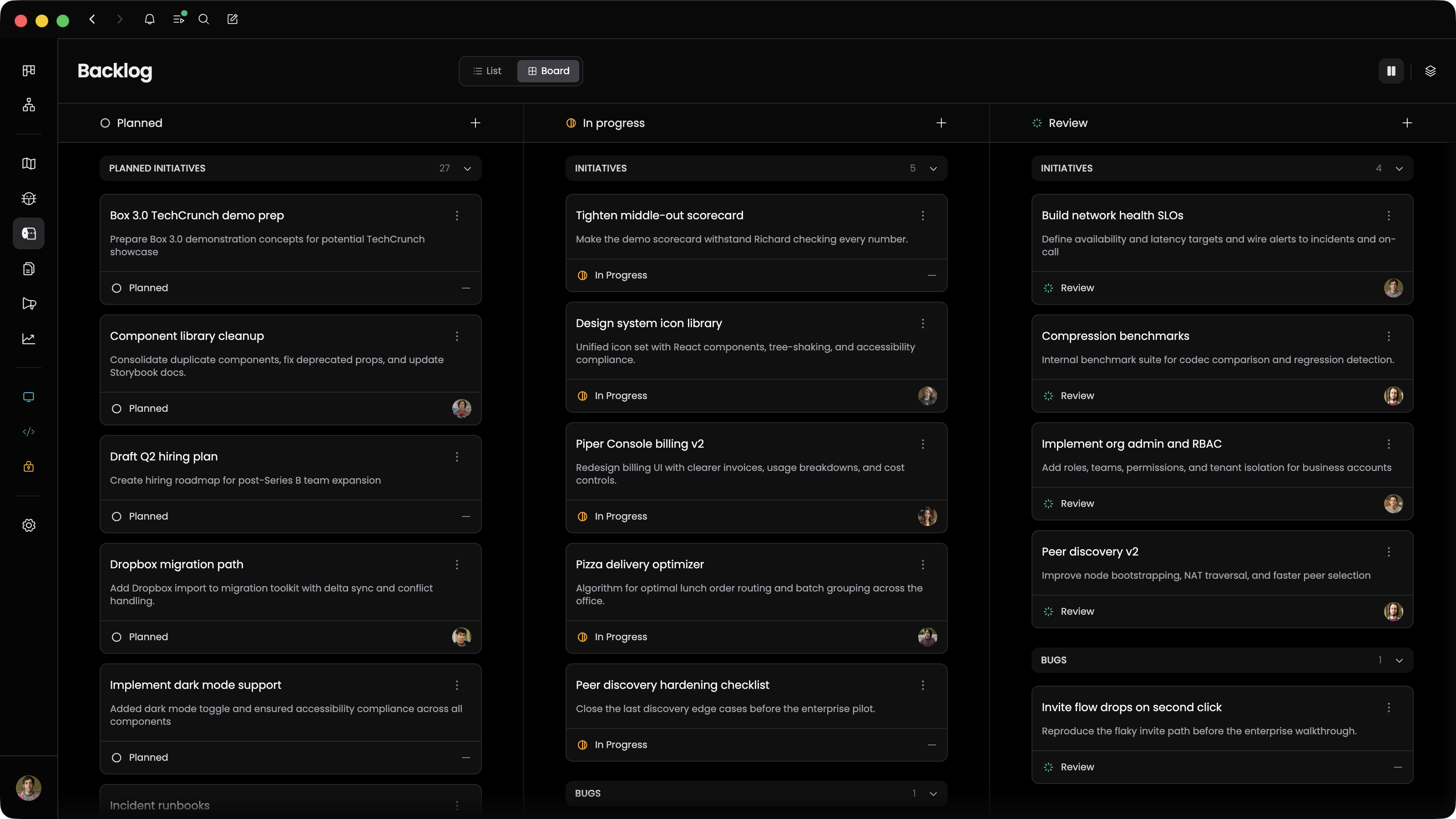
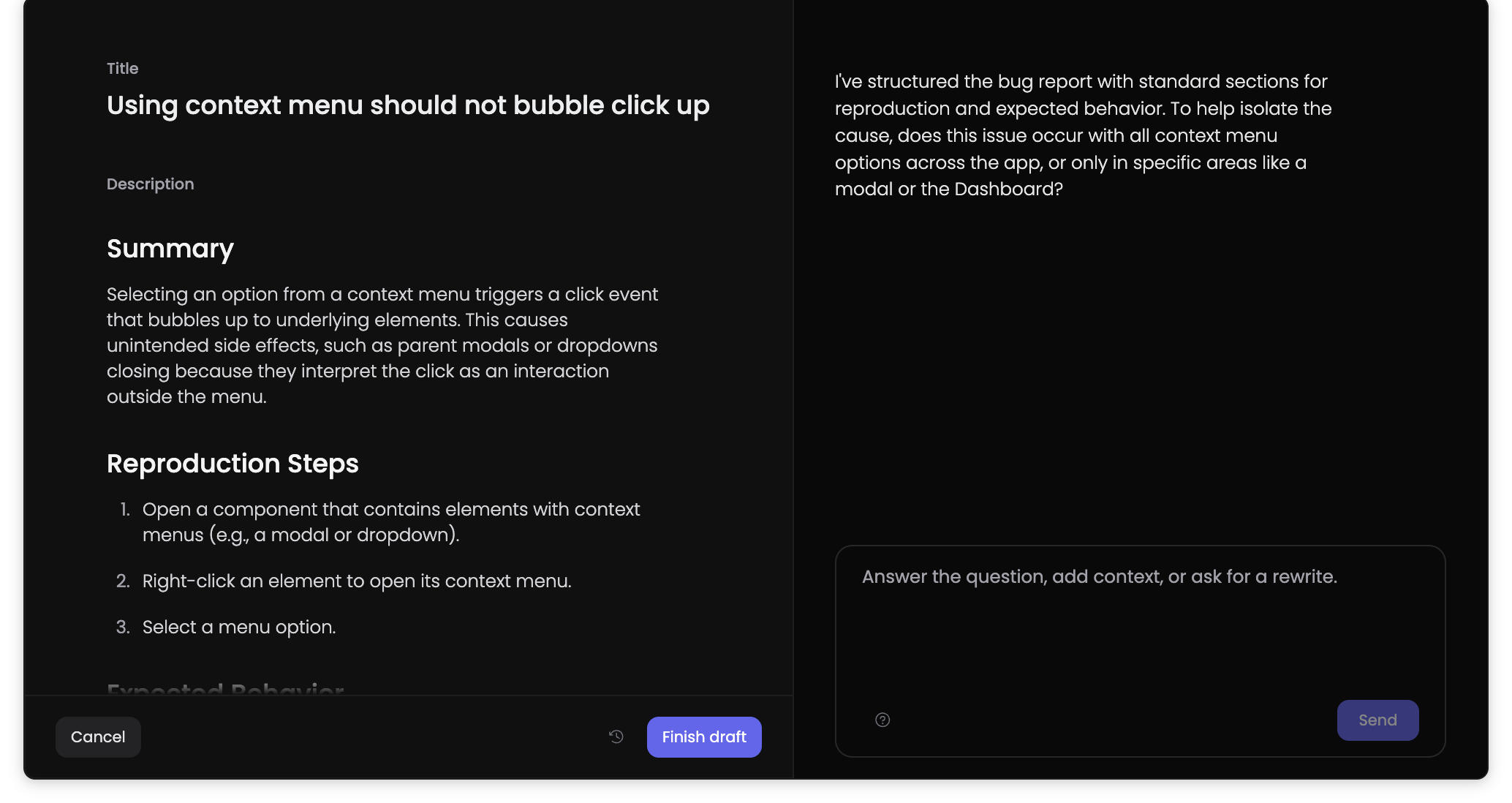
Use Jira detail as part of the context for coding prompts, completed-work capture, and workflow handoff.
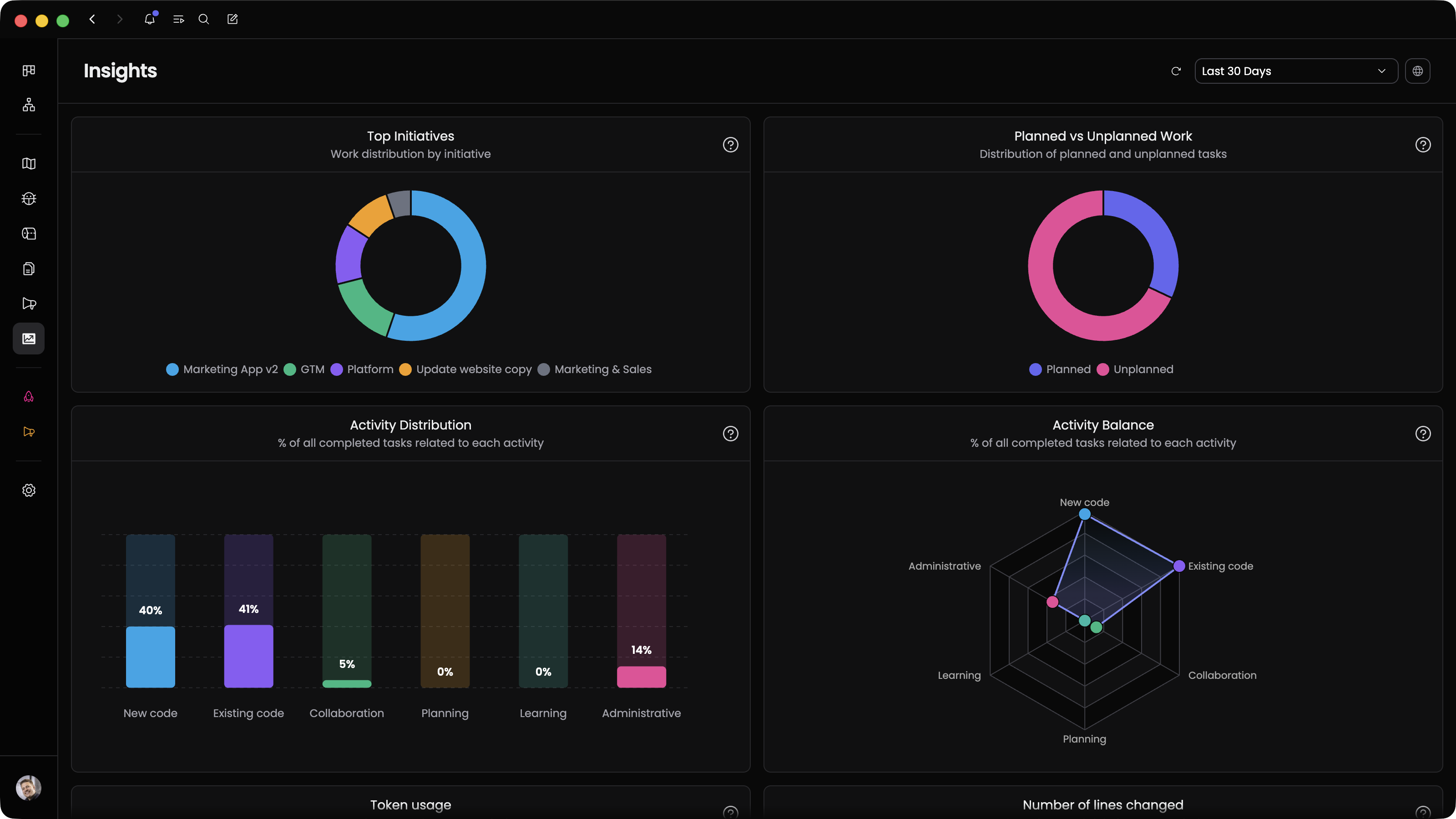
Connect Jira work to commits, pull requests, blockers, initiative outcomes, and stakeholder updates.
Use One Horizon to add the product and delivery layer around the issue tracker you already run.
Connect active sprint issues to the initiatives and outcomes they are meant to deliver
Pull current assigned issues into planned work, completed work, and blocker review
Send a Jira-backed task to a coding tool with the issue detail and acceptance notes attached