Keep the board inside the call
Review the current participant’s update without switching between Meet and the dashboard
Open the One Horizon standup board in the Meet side panel, then move it to the main stage so the team can review completed work, plans, and blockers together.
Calendar and meetings
Review the current participant’s update without switching between Meet and the dashboard
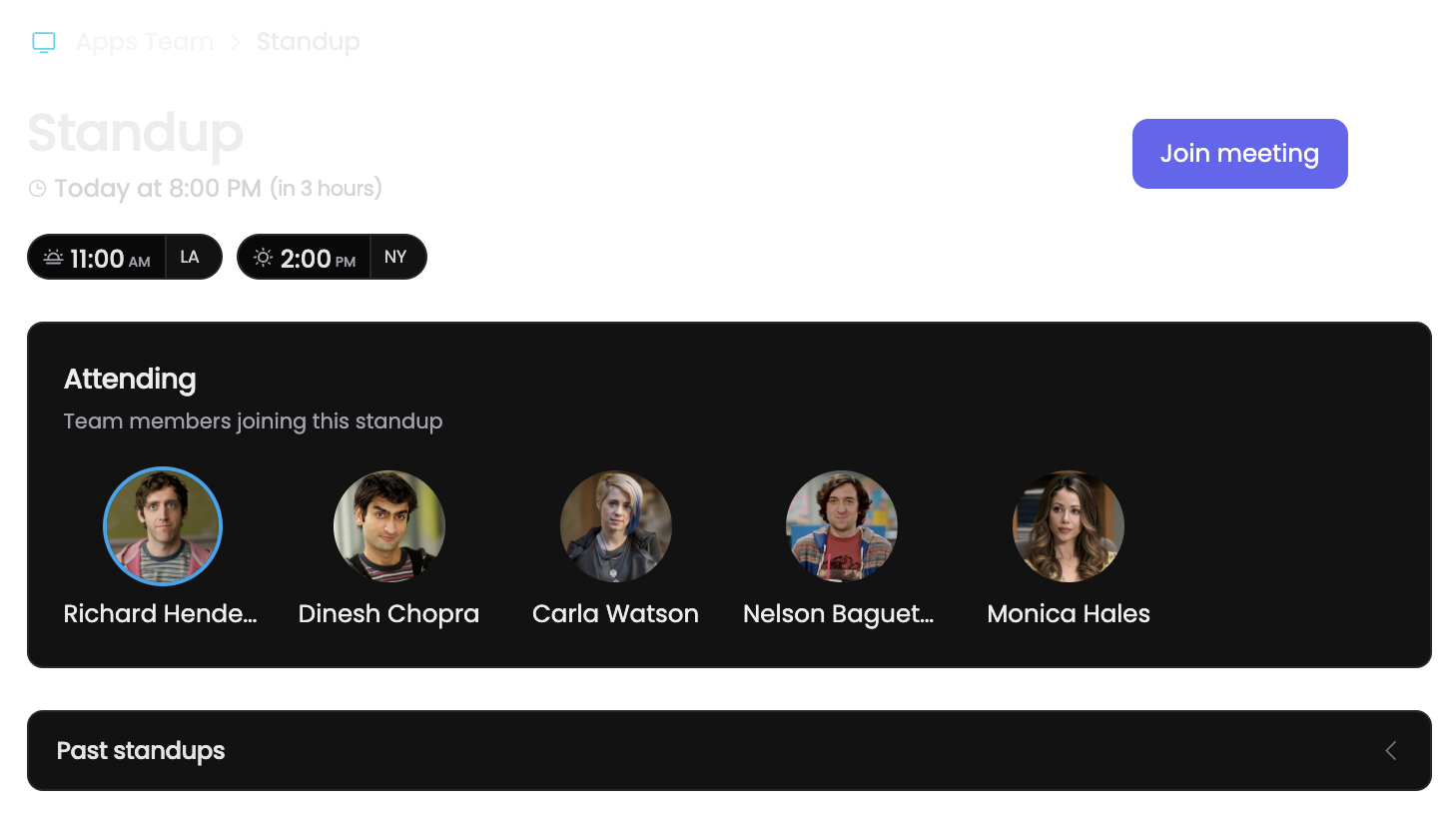
The add-on reads the standup already configured for the team in One Horizon
Choose the workspace and standup in the side panel, then present the live board to the meeting
The conversation and the work update share one screen, with no duplicate deck or hand-built agenda.
Open the add-on in Meet and select the workspace and configured standup for the call.
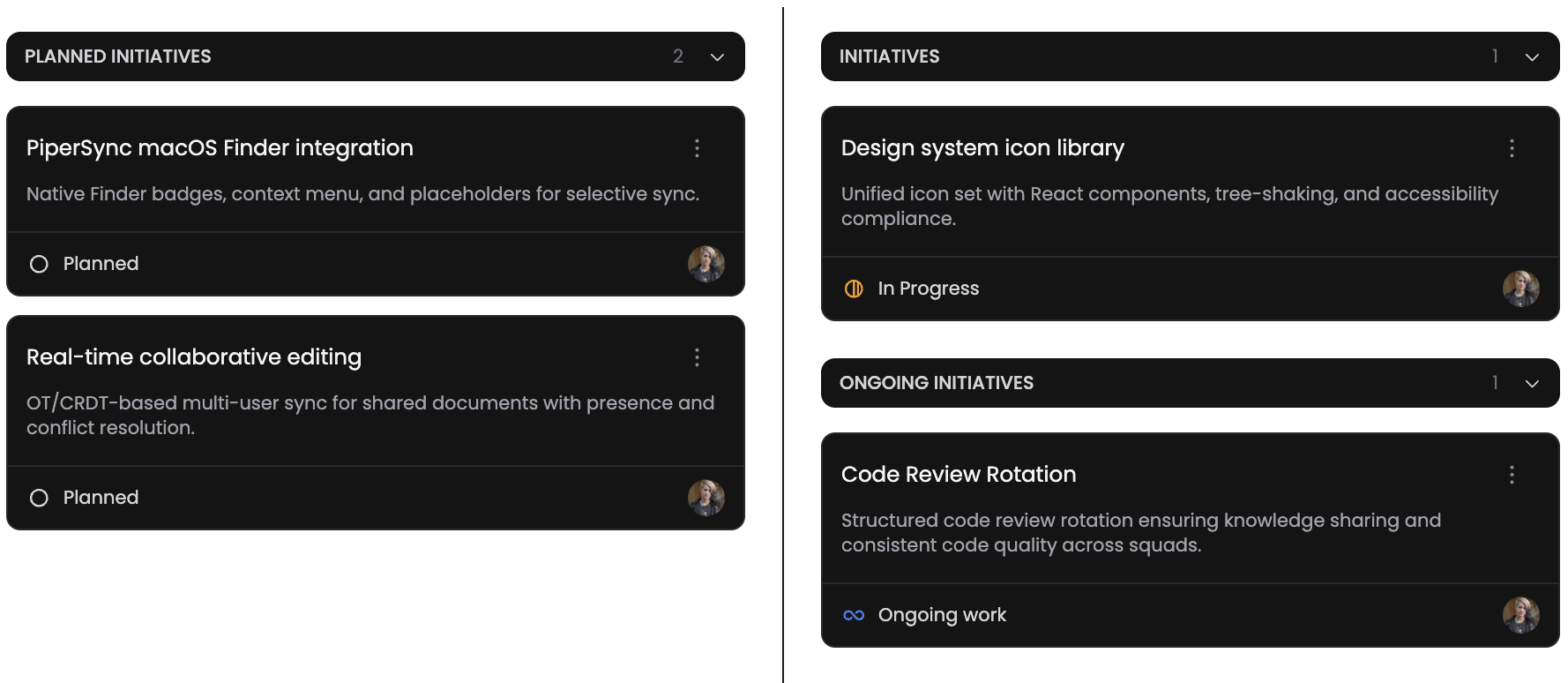
Move through completed work, planned work, and blockers while the team discusses each update.

Expand the same standup view from the side panel into the shared meeting experience.
Use the Meet add-on when the team wants a live conversation anchored in current delivery data.
Run the usual completed, planned, and blocked review without leaving the call
Give remote participants the same shared board as the person leading the standup
Open the current blocker in context while the people who can resolve it are in the meeting