Code from the reviewed scope
Cursor can read the full work item instead of relying on a title or a prompt reconstructed from memory
Bring the goal, constraints, links, comments, and acceptance notes from One Horizon into Cursor through MCP or a local agent run.
AI assistants and coding agents
Cursor can read the full work item instead of relying on a title or a prompt reconstructed from memory
Use MCP inside Cursor or let a local Cursor agent run assigned work from One Horizon
Capture the result against the original task so the rest of the team can see what changed
The editor gets product context before implementation, and the workspace keeps the outcome after the coding session.
Find today’s issues and todos, then pull the selected item into the editor conversation.
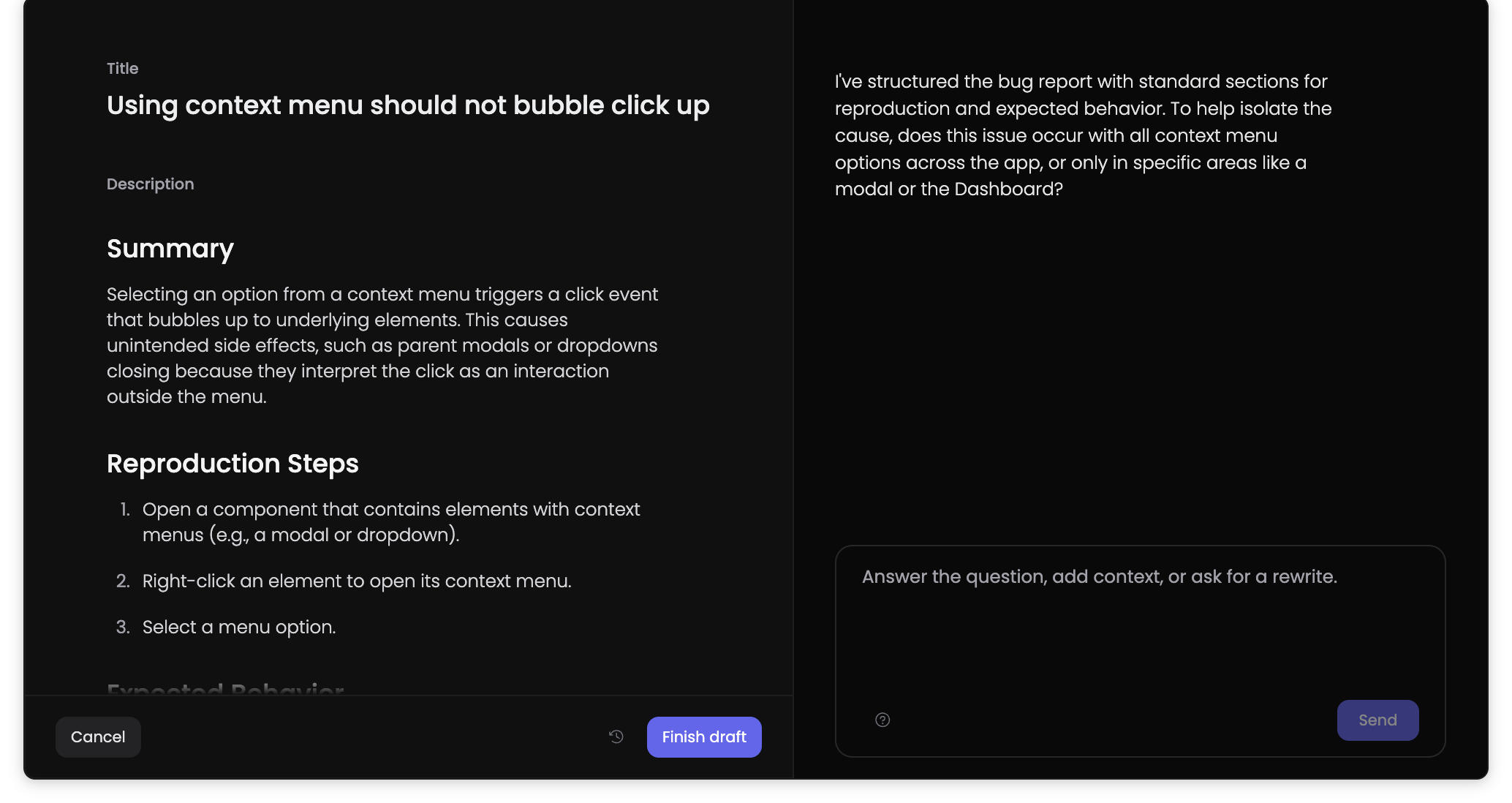
Assign work to a local Cursor agent when you want One Horizon to start and track the run.
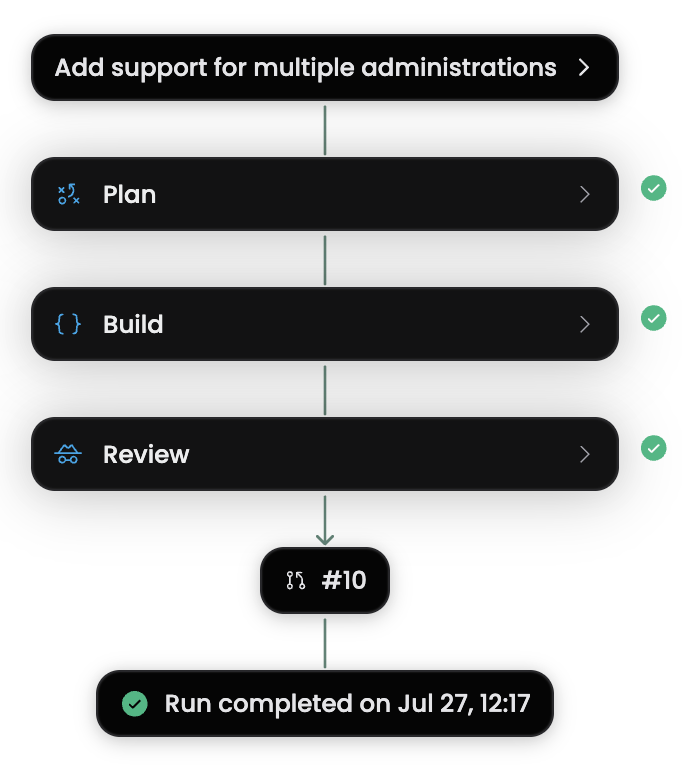
Summarize completed work back into One Horizon instead of leaving the outcome in editor chat.
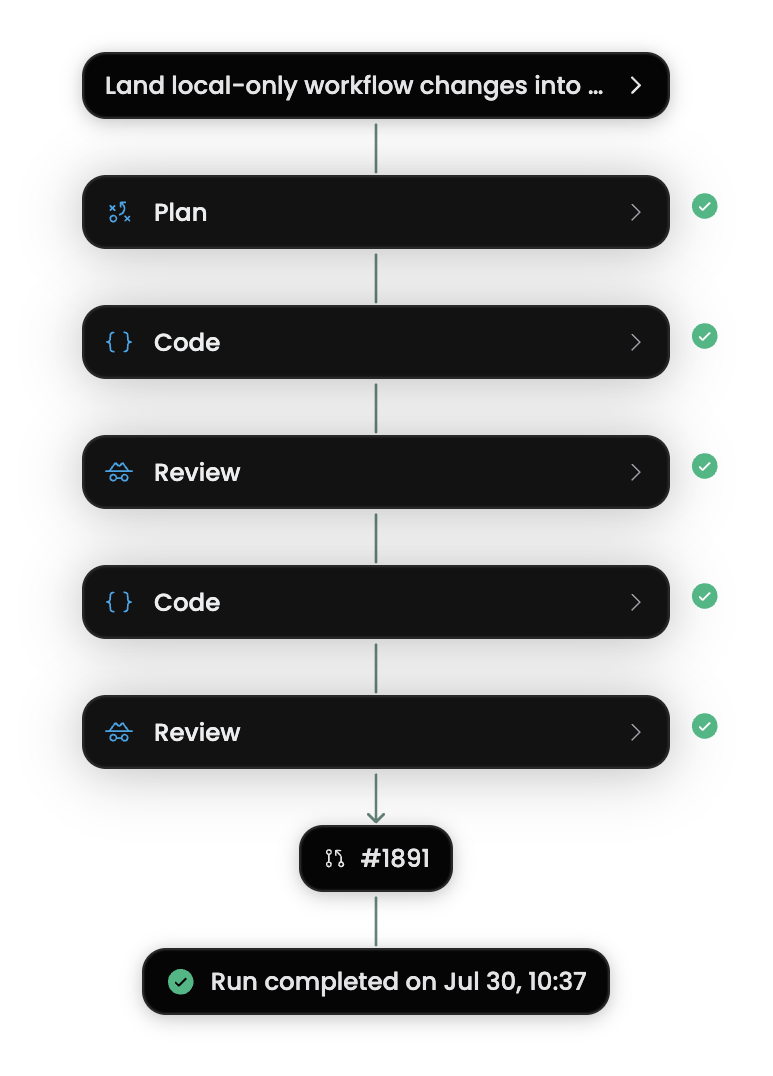
Keep the editor while adding a shared brief, tracked execution, and a result the rest of the team can follow.
Bring the accepted scope and supporting product links into Cursor before coding
Assign a focused todo to the Cursor CLI and follow the run from One Horizon
Record what Cursor changed so recaps and initiative progress reflect the result