Ask with the work attached
ChatGPT can answer questions about planned work, recent progress, and blockers without a fresh briefing in every chat
Give ChatGPT the assigned issues, recent progress, blockers, and workspace details behind your questions, so reports and plans start from the work itself.
AI assistants and coding agents
ChatGPT can answer questions about planned work, recent progress, and blockers without a fresh briefing in every chat
Turn workspace activity into team recaps, planning notes, and status drafts you can review before sharing
Use the same initiatives, issues, owners, and completed work that your team already manages in One Horizon
ChatGPT MCP is for browser chat, planning, and reporting. For coding-agent work inside the same ChatGPT app, use the Codex setup path.
Ask what is planned, blocked, late, or waiting for review and get an answer grounded in your workspace.
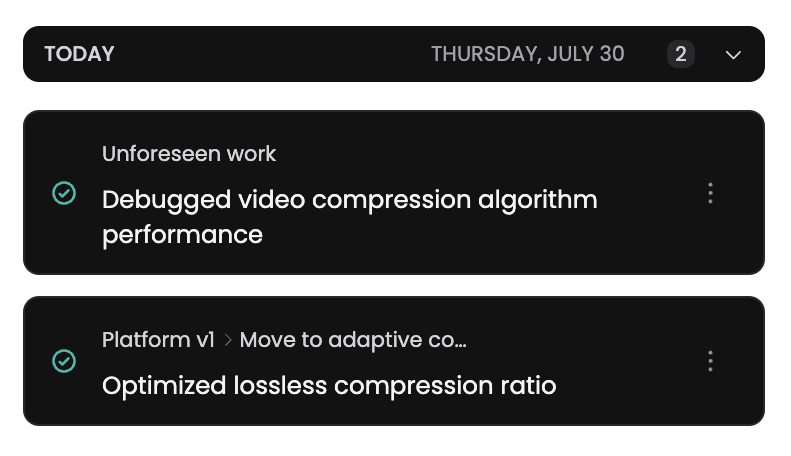
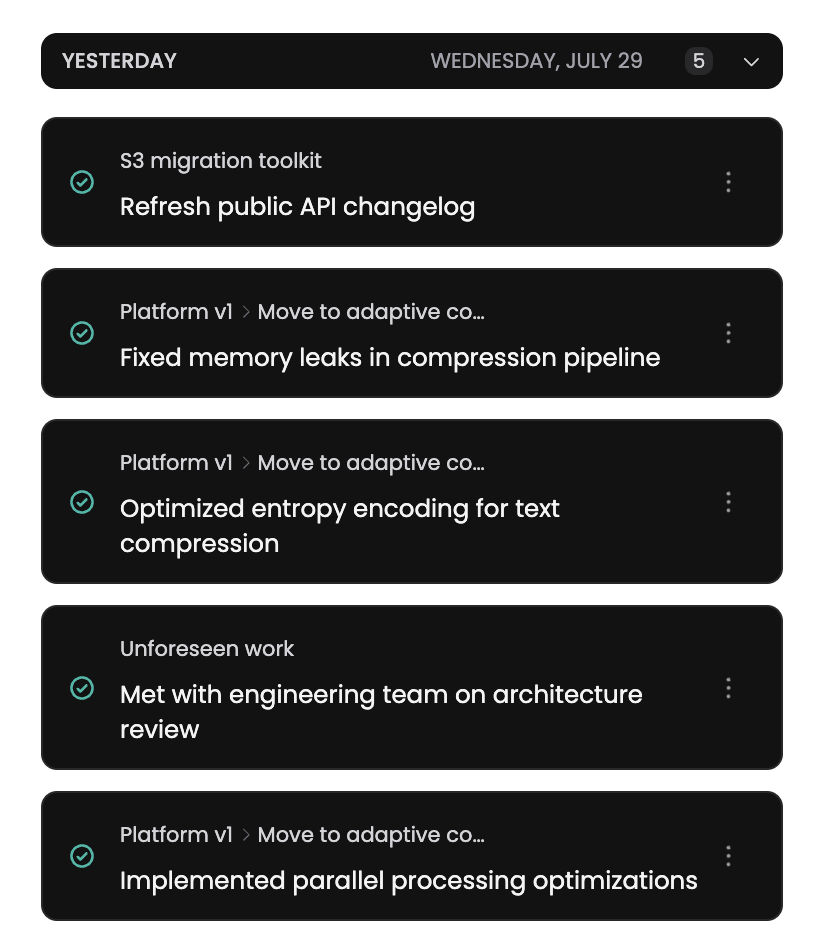
Draft personal, team, or initiative recaps from assigned issues and completed work, then edit the result before it leaves the chat.
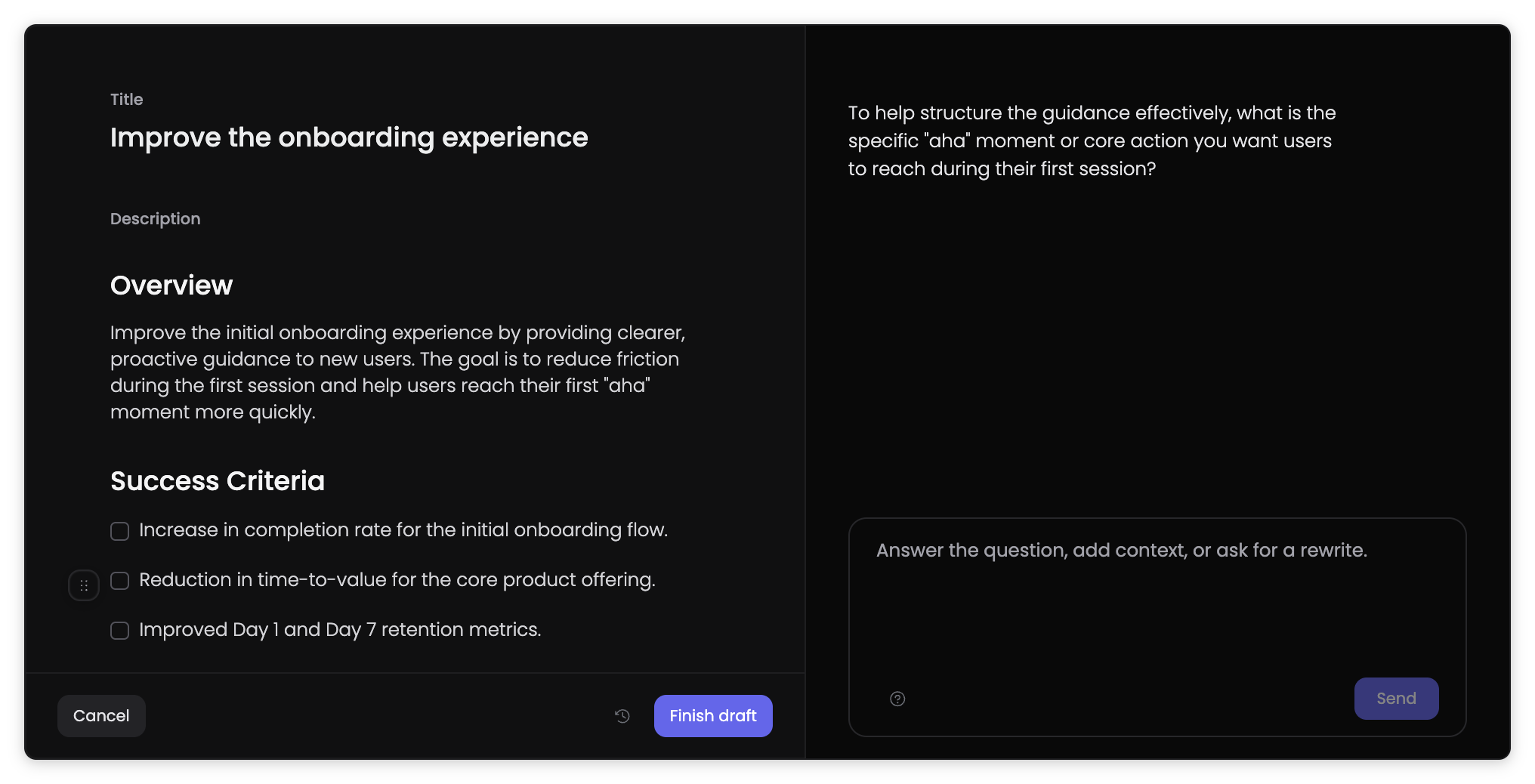
Use One Horizon actions in ChatGPT to create or update work when a planning conversation produces a clear next step.
ChatGPT can pull the answer from One Horizon while you stay focused on the decision you need to make.
Summarize what shipped, what moved, and what is blocked across a team or initiative
Review assigned issues, todos, calendar context, and open blockers before choosing the day’s focus
Capture a new bug, feature request, or todo from a conversation and place it in the right workspace