Begin in the right codebase
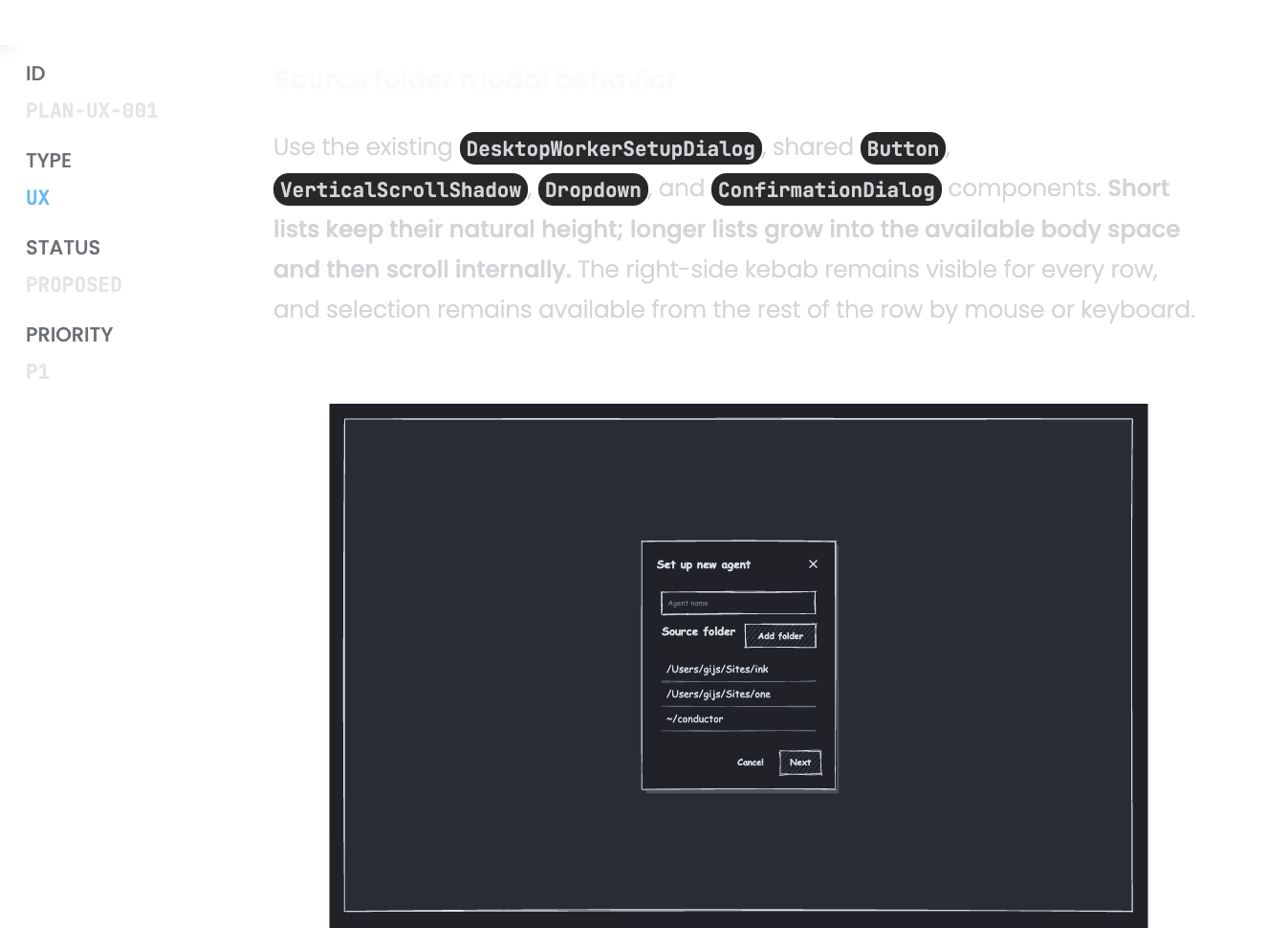
Choose the local folder before launch so Open Code starts where the implementation belongs
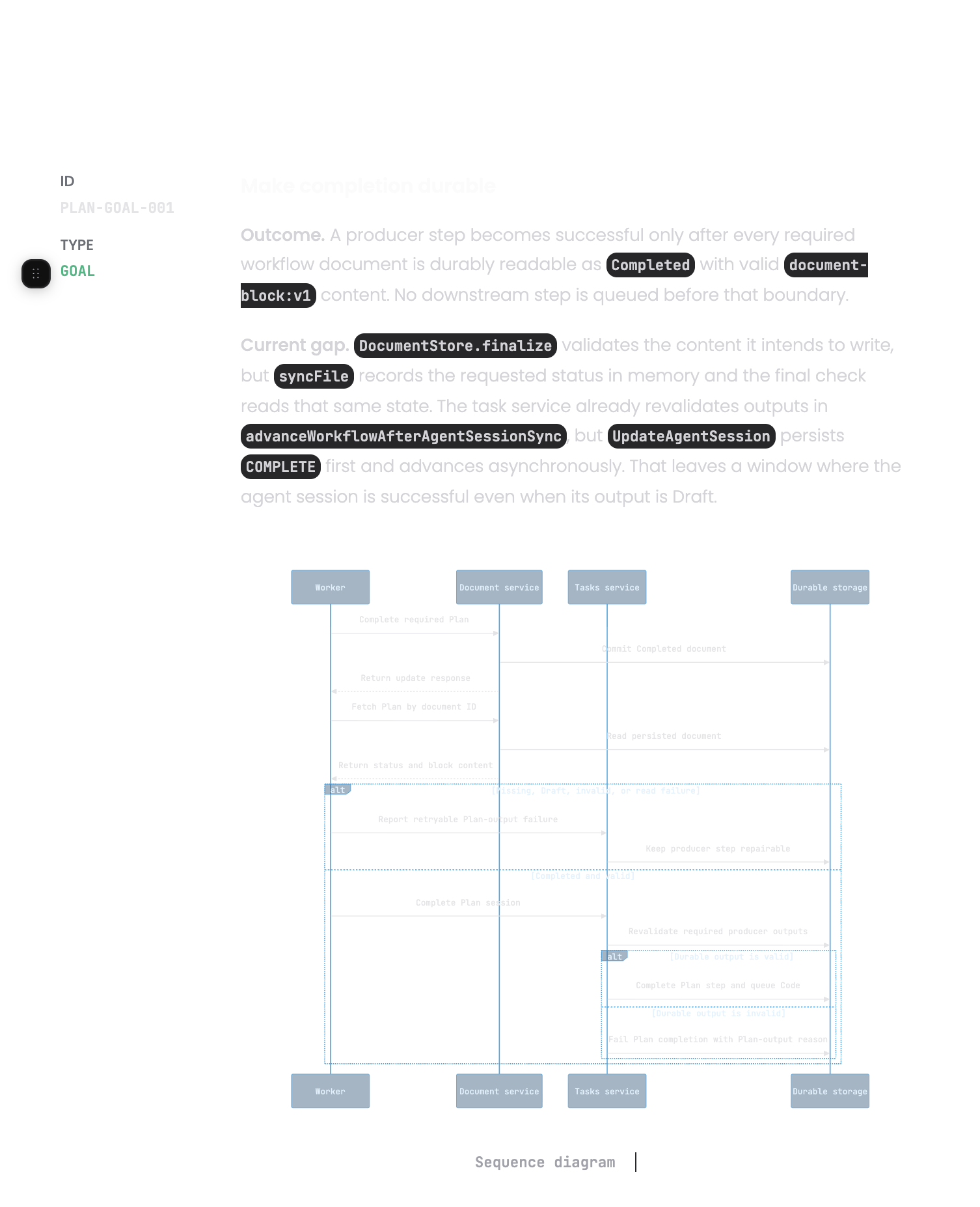
Start a terminal-based Open Code session with the selected folder and a prompt built from the One Horizon work item.
AI assistants and coding agents
Choose the local folder before launch so Open Code starts where the implementation belongs
The prompt starts from the initiative, bug, or todo instead of a short title copied by hand
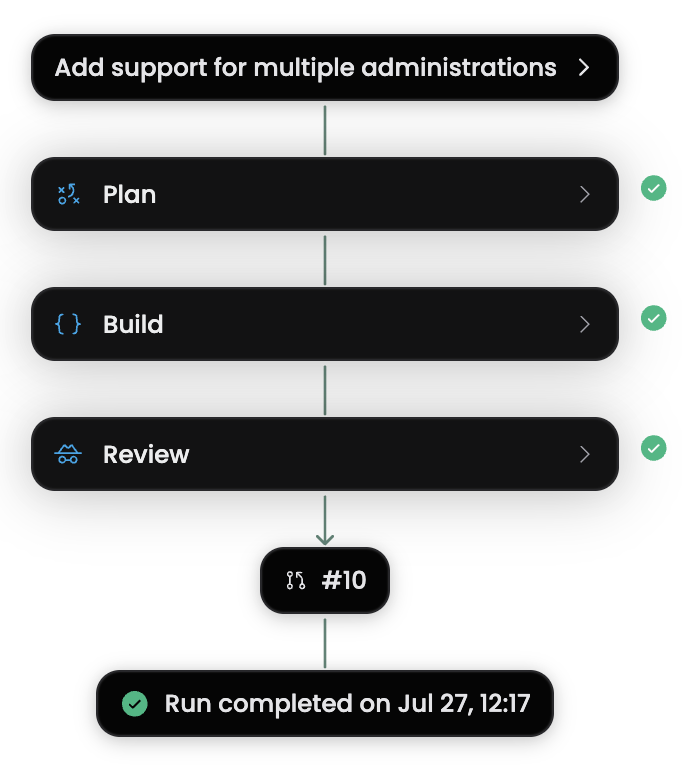
Use the One Horizon CLI or Desktop launch path while the source task remains part of the delivery flow
Open Code can begin with both the working directory and the task detail already selected.
Pick the repository location that should receive the work before the terminal process starts.
Pass the goal and relevant work-item detail into Open Code without rebuilding the brief in the shell.
Keep the tool available in the surfaces developers use to pick up and run local work.
Use Open Code when the task is ready and you want direct control over the local session and repository.
Launch a focused todo in its repository with the expected result attached
Start from a bug report and the folder that contains the affected service
Send a review comment or scoped follow-up back into the project that needs the change