Automate work intake
Create a bug, feature request, todo, or comment when another system produces an actionable signal
Create, update, summarize, and route product work from n8n using MCP or direct API calls, with every automated action returning to the shared workspace.
AI assistants and coding agents
Create a bug, feature request, todo, or comment when another system produces an actionable signal
Pull planned work, completed outcomes, blockers, teams, and initiatives into scheduled n8n workflows
Use webhooks and API actions to keep internal systems current when work changes
n8n can move information in and out of One Horizon without creating a separate trail nobody reviews.
Use MCP tools or the REST API to add tasks, update status, post comments, and route incoming requests.
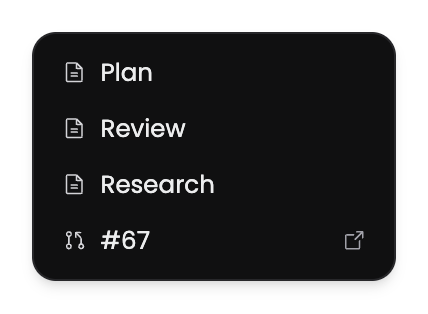
Collect planned work, completions, and blockers on a schedule and send the result to the destination your team chooses.
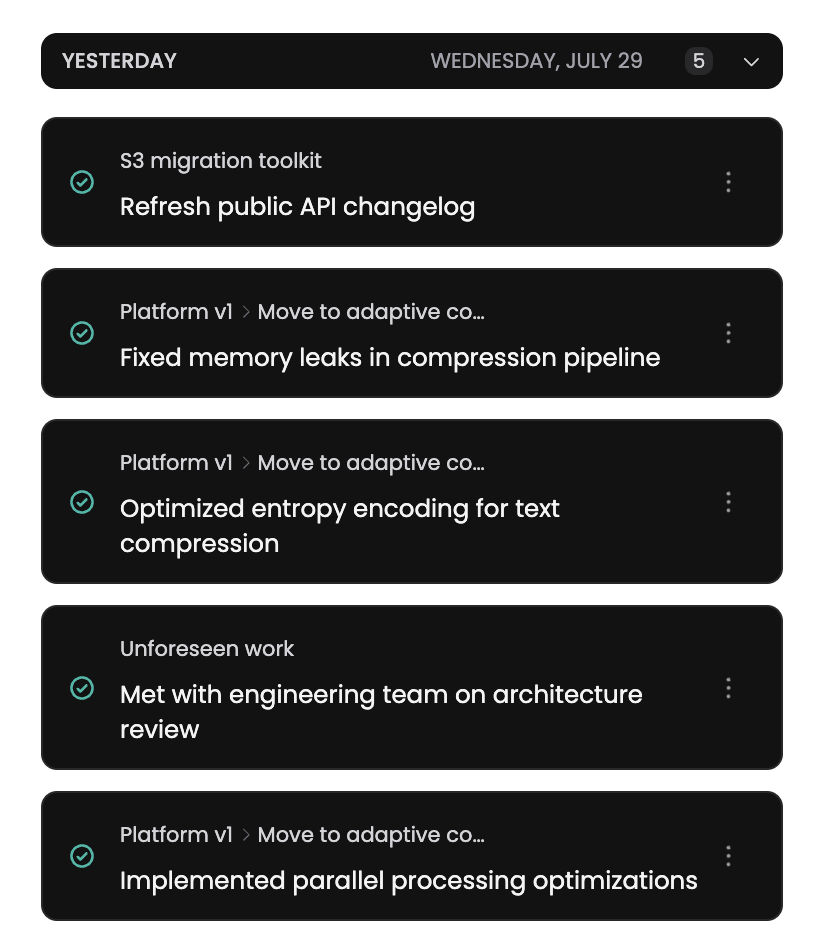
Receive a workspace webhook, fetch the detail you need, and update another service through the same n8n flow.
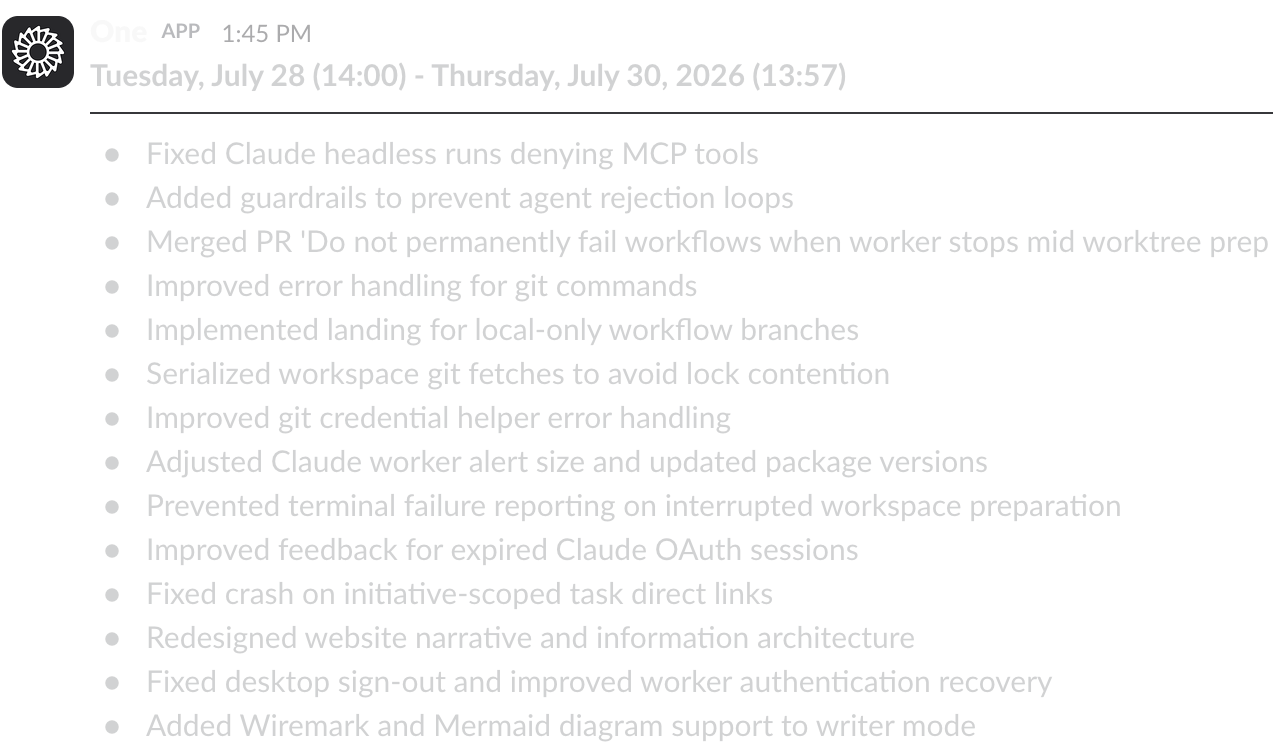
Use n8n when a product or engineering process should run the same way every time a trigger appears.
Turn a monitoring or support event into a tracked bug with source context attached
Compile current progress and blockers, then deliver the draft on a fixed cadence
React to a One Horizon event and update the connected internal tool after the change