Keep the brief inside the IDE
Pull the selected issue or todo into AI Assistant while the codebase remains in view
Let AI Assistant read assigned issues and One Horizon task details inside your JetBrains IDE, then capture the finished work without leaving the editor.
AI assistants and coding agents
Pull the selected issue or todo into AI Assistant while the codebase remains in view
Use task ownership, status, and acceptance notes to keep the implementation aligned with planned work
Summarize the completed change and add it to One Horizon before you move to the next task
AI Assistant can work from the same assigned issues and completed-work trail as the rest of the team.
Ask for assigned issues and todos without opening another planning tab.
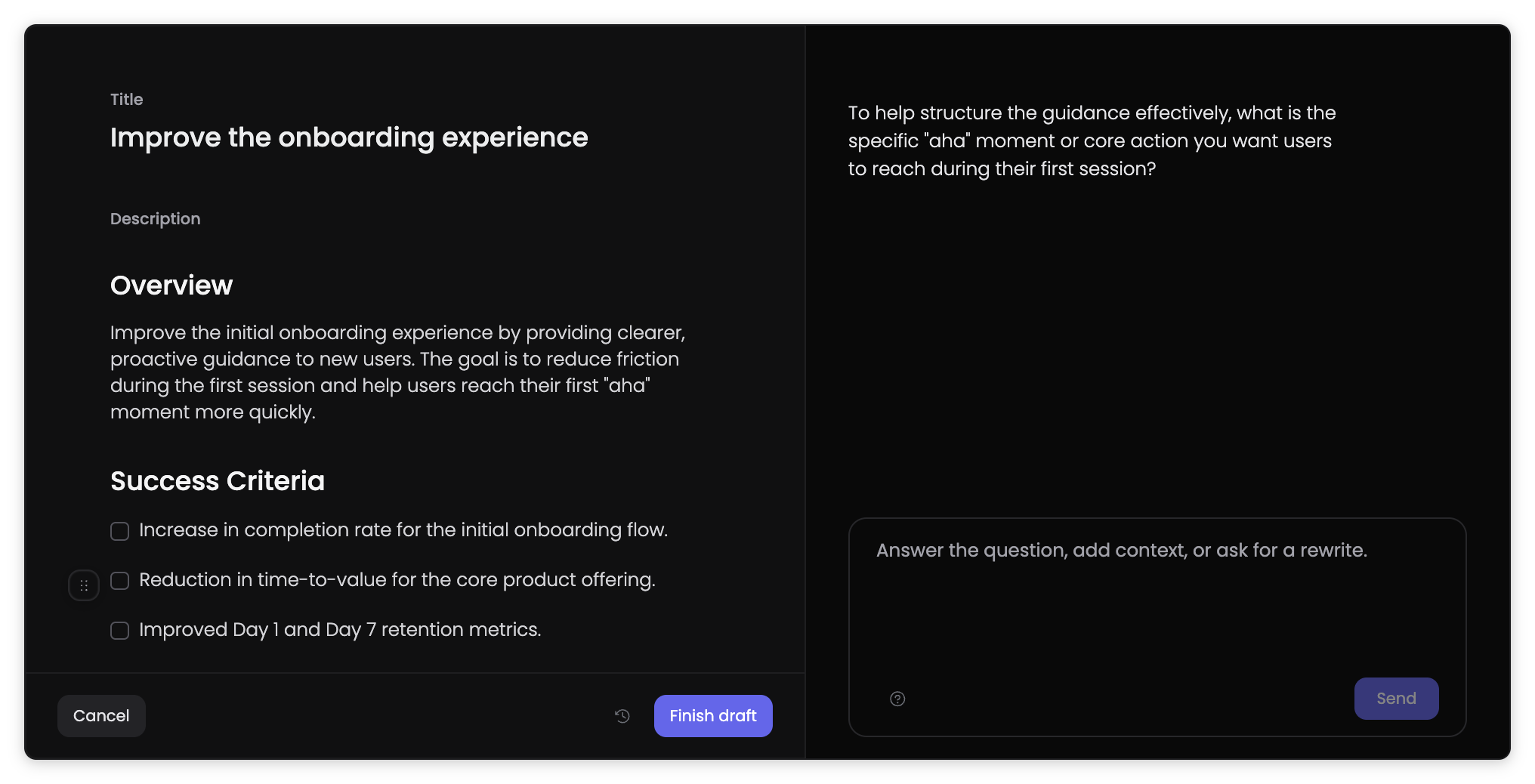
Bring the chosen work item into Codebase mode so the AI can connect repository detail to the requested outcome.
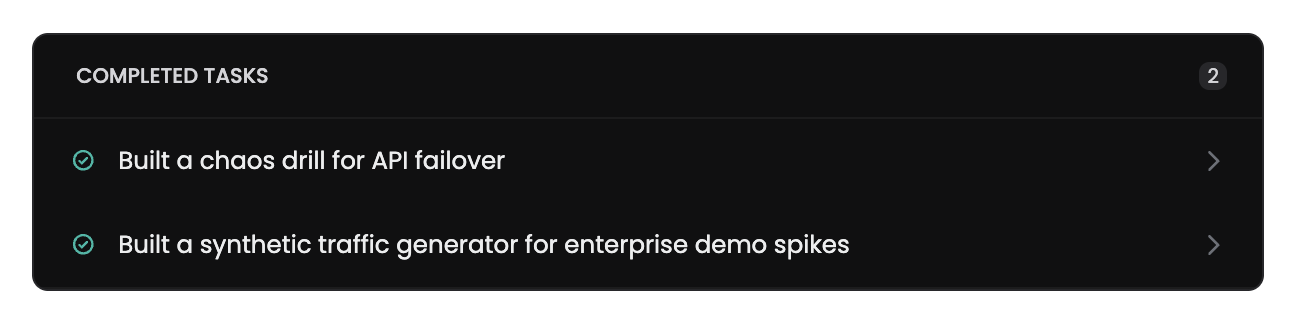
Capture a concise record of the result so recaps and progress views reflect the change.
Keep IntelliJ IDEA, PyCharm, WebStorm, GoLand, and other supported IDEs while connecting AI work to team delivery.
Find the current Jira, Linear, or One Horizon item from inside the IDE
Give AI Assistant the task detail before it reasons about the codebase
Turn the coding session into a completed-work entry for recaps and reporting